
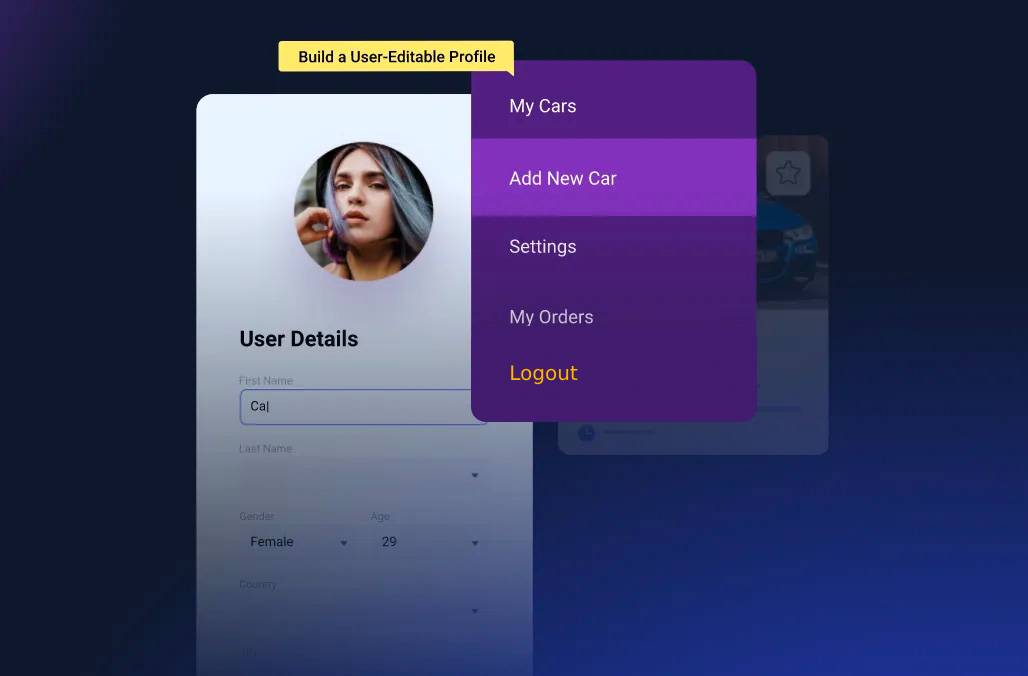
נכון לעכשיו, ב- Profile Builder אין כפתור התנתקות, הקוד הבא מוסיף את האפשרות הזו ובעזרת השורטקוד: [logout] נוכל למקם את הכפתור איפה שנרצה.
					function custom_logout_shortcode() {
// Register and enqueue a custom stylesheet in the WordPress admin
wp_register_style('custom-logout-style', false);
wp_enqueue_style('custom-logout-style');
// Add inline CSS to the custom stylesheet
$css = '
.custom-logout-link {
font-size: 16px !important;
font-weight: 700 !important;
color: #171429 !important;
text-decoration: none !important; /* Optional: removes underline from links */
}
';
wp_add_inline_style('custom-logout-style', $css);
// Create the logout link with the custom class
$logout_url = wp_logout_url(get_permalink());
$logout_link = '<a href="' . esc_url($logout_url) . '" class="custom-logout-link">Logout</a>';
return $logout_link;
}
add_shortcode('logout', 'custom_logout_shortcode');
Shortcode : [logout]